Design Faster.
Create Smarter.

Canvix is your all-in-one browser-based image editor with AI generation, background removal, templates, layers, effects, and fast exports.

Launch Editor
Canvix editor preview

See What You Can Do With Canvix

Fast tools, clean results, and AI when you need it.

AI image generation preview

Generate images from a prompt

Turn ideas into visuals

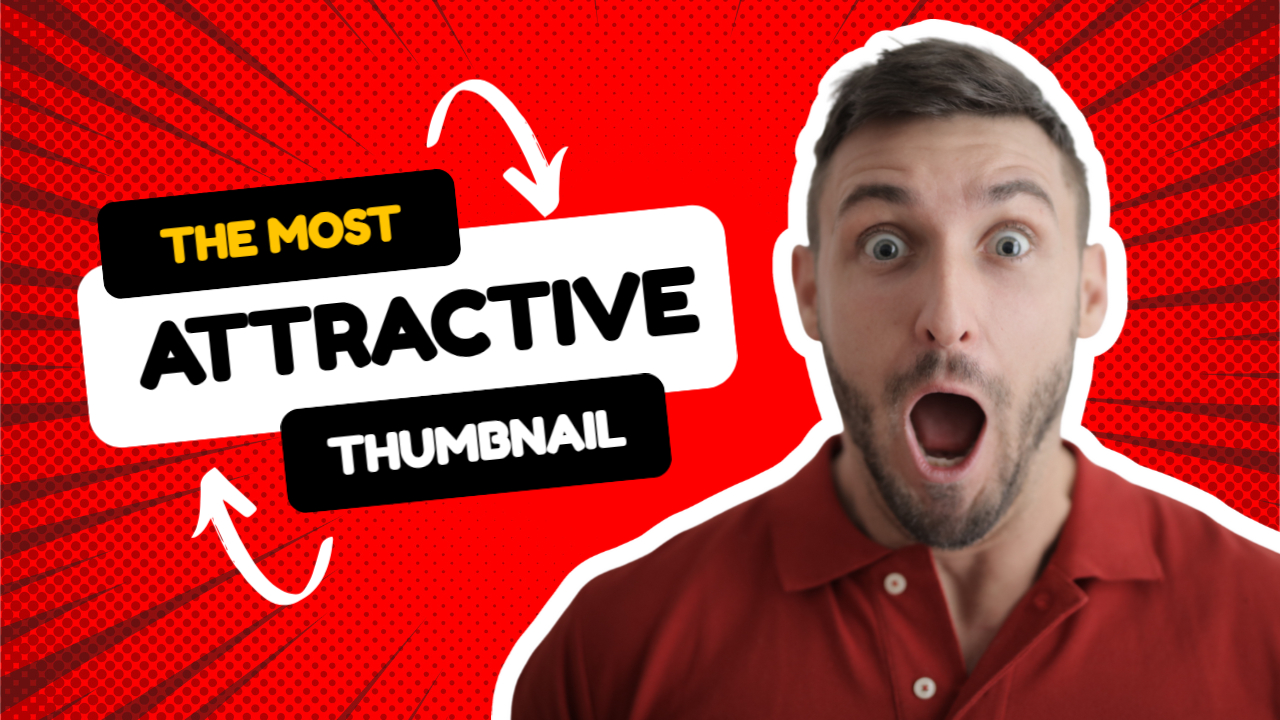
Create unique visuals for thumbnails, ads, product scenes, and social content in seconds.

Edit instantly in layers

Add text, overlays, shadows, and cutouts without leaving the editor.

Iterate fast

Remix prompts and generate fresh variations without starting over.

Background removal preview

One-click background removal

Perfect for product shots

Create clean cutouts for store images, ads, and branded visuals.

Drop into new scenes

Place subjects onto new backgrounds fast using layers and effects.

Transparent exports

Export PNGs ready for ecommerce, branding, and social graphics.

Effects preview

Make images pop with effects

Adjustments

Tune brightness, contrast, saturation, blur, sharpen, and more.

Creative effects

Use filters like pixelate, grayscale, invert, and vignette.

Draw & annotate

Add highlights, arrows, shapes, and notes with a clean workflow.

Assets preview

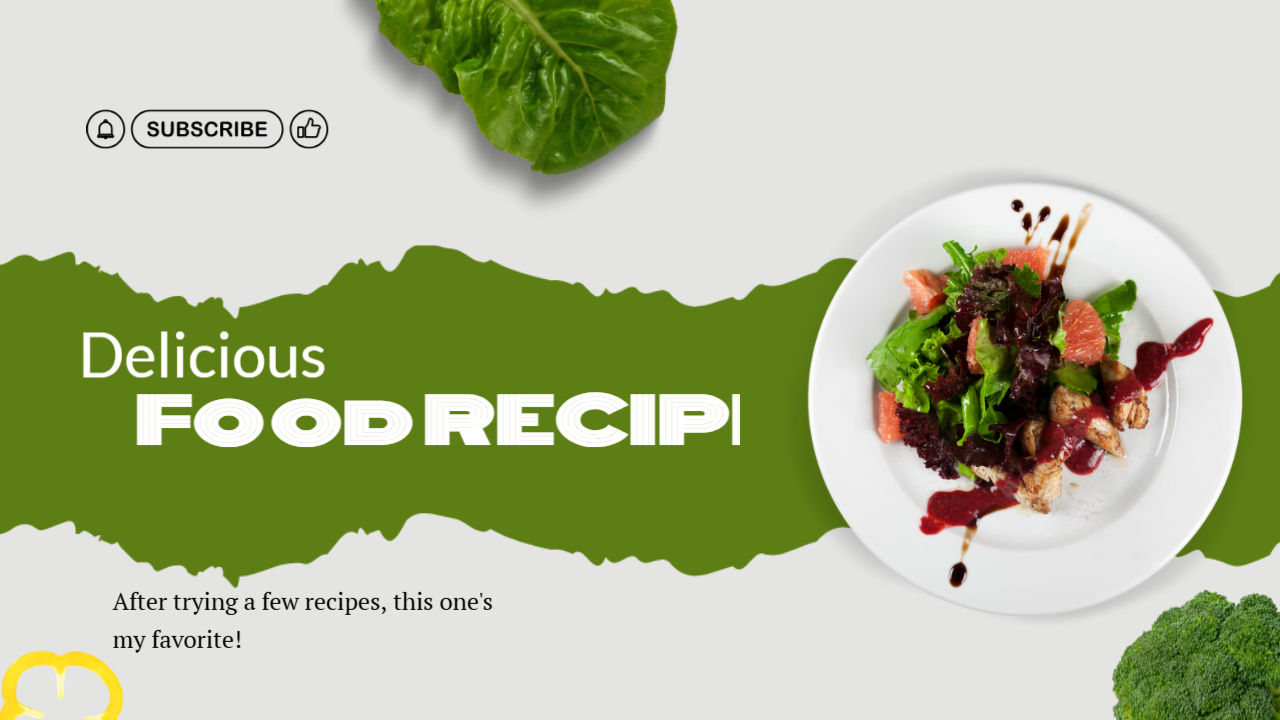
Search assets and build faster

Search stock images

Insert assets directly into your design without breaking your workflow.

Import by URL

Paste an image link and bring it onto the canvas instantly.

Upload your own assets

Add logos, screenshots, brand photos, product images, and more.

Powerful AI Tools at Your Fingertips

Everything you need to create, edit, and export in one place.

AI Image Generator

Turn text into polished visuals instantly for ads, thumbnails, and social posts.

AI Image Editor

Remove backgrounds, refine images, and clean up visuals with AI-assisted tools.

Layers & Workflow

Build advanced designs with familiar layer controls, masks, and visual hierarchy.

Fast Exports

Download PNG, JPG, or PDF — including transparent backgrounds when needed.

Watch Canvix in Action

See how quickly you can build, edit, and export beautiful designs.

From Idea to Export in 3 Steps

A clean workflow that gets you from blank canvas to finished design fast.

1

Start a canvas

Choose a size, use a template, or set custom dimensions.

2

Build with layers & AI

Generate images, remove backgrounds, add text, effects, and assets.

3

Export & share

Download PNG, JPG, or PDF and publish right away.

Workflow preview

Loved by Creators & Teams

Built for fast-moving workflows and polished visual output.

User avatar U

“Thumbnails in minutes.”

Background removal and text tools make my YouTube workflow way faster.

User avatar S

“Perfect for product shots.”

Clean cutouts and quick edits help me keep store images consistent.

User avatar A

“All-in-one browser editor.”

AI generation, layers, and asset support all in one clean place.

Ready to Create Something Great?

Open the editor, start from a blank canvas or template, and ship your next design faster.

Start Editing Free